Autogard Advantage

Loading ...


Our Technical Support Representatives can provide assistance with your computer or internet connection problems. With the “Splashtop SOS” we can view your desktop and share control of your mouse and keyboard to help find a solution.

Let's Start a Remote Access Session, Step by Step

  • Step 1: Download “Splashtop SOS” on your Windows or Mac computer using the appropriate link above for your operating system.
  • Step 2: Run the app, there is No Install Process.
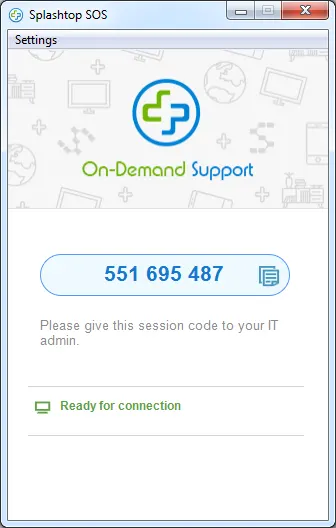
  • Step 3: A 9-digit code will be displayed, similar to the example shown in the image below.
  • Step 4: Give the code to our technical support representative.